Digital copiers are faster and more versatile than older analog models, but their imaging units, rollers, and firmware still break down with daily use. Preventive maintenance catches those problems early, so Atlanta offices avoid sudden breakdowns, poor print quality, and lost work hours.
TL;DR
Analog machines rely on lenses and mirrors. Modern digital systems pair a scanner with a laser printer and connect to your network. That added capability brings new failure points, from firmware glitches to damaged drums and feed rollers. Scheduled checkups and fast on-site service keep either type of machine productive.
Key Takeaways
- Analog units mainly copy, while digital MFPs copy, scan, print, and fax from one device.
- Duplex printing and scan-to-email make digital models more efficient, though they add software that can fail.
- Dropped LAN connections and “Communication Error” messages usually point to a connectivity or configuration fault.
- Streaks, faded pages, and black spots often trace back to the drum, toner distribution, waste toner container, or fuser roller.
- Rubber feed rollers cause most misfeeds as they age, and replacing them at your office ends constant jams without shipping the machine out.
The Evolution of Your Office Workhorse
Copiers have evolved significantly from the early days of analog technology to today’s modern digital systems. Understanding what kind of machine you have is the first step in ensuring its longevity and knowing when to call for expert repair.
| Feature | Analog Copiers (Older Models) | Digital Copiers (Modern Systems) |
|---|---|---|
| Core Technology | Lens and mirror system (similar to a camera). | Scanner and laser printer combination. |
| Output Quality | Can degrade over time; prone to smudges/spots. | Better image quality; highly consistent. |
| Functionality | Primarily copying. | Multi-Function: Copy, Scan, Print, Fax. |
| Networking | None. | Easily integrates with local networks and email. |
| Maintenance Need | Mechanical wear on mirrors and lenses. | Wear on imaging unit, complex software/firmware. |
Speed and Convenience: Why Digital Wins (But Still Needs Repair)
The digital age brought immense benefits to speed and workflow, making your copier the central hub of document management.
- Fast and Convenient: Digital copiers offer a quick and easy way to make copies, often saving scanned documents in a queue while printing other pages.
- Printing on Both Sides: Modern digital models default to two-sided printing (duplexing), an economical choice that reduces paper usage.
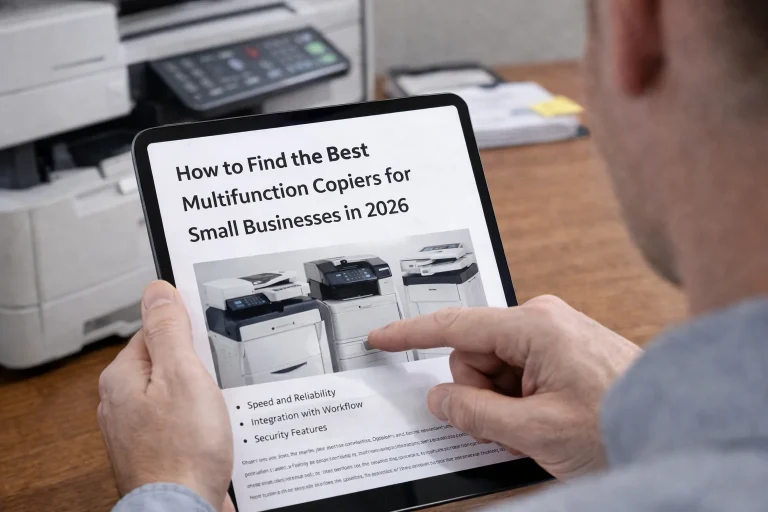
- High-Speed Scanning: Many models integrate high-speed scanning capabilities directly with email and local networks for instant document sharing. See our picks for the best multifunction copiers if you are comparing models.
Top 3 Signs Your Digital Copier Needs Professional Atlanta Repair
While digital copiers are faster and cleaner, they still experience breakdowns. Don’t wait until a small issue leads to a complete machine failure.
1. Frequent Firmware or Network Errors
If your digital copier constantly loses its network connection or displays vague error codes, it’s often a software or connectivity issue.
- Machine disconnects from the LAN (Local Area Network) after a restart.
- Slow processing when scanning or printing large files.
- Error messages (like “Communication Error”) when attempting to use the scan-to-email function.
Our technicians handle network, connectivity, and software configuration issues on-site, so the fix happens where your copier is already connected.
[H3] 2. Poor Copy Quality (Streaks and Fading)
Even a clean digital process can degrade due to internal component wear.
- Streaks or lines: May indicate a damaged drum unit or dirty scanner glass.
- Fading or light copies: Could point to an issue with the toner cartridge distribution or the imaging unit.
- Splotches or black spots: Often caused by a worn-out waste toner container or a dirty fuser roller. If toner has leaked inside or around the machine, follow these toner spill cleanup tips first.
3. Unexplained Jamming
Paper jams are the most common complaint, and in digital copiers, they are often linked to worn-out parts.
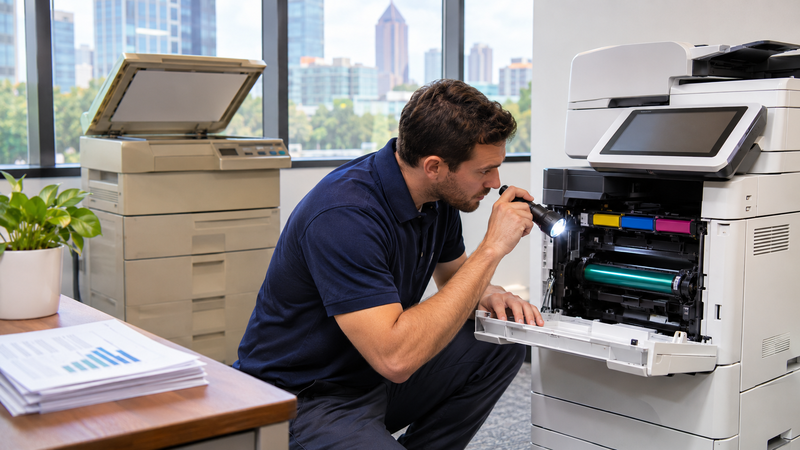
Key Maintenance Insight: The rubber feed rollers wear down over time. Worn rollers struggle to grip the paper, leading to misfeeds and multiple-sheet feeding, causing constant jams. Our technicians specialize in diagnosing and replacing these critical mechanical parts quickly. Roller, fuser, and other hardware repairs are done at your office, which removes the transport risk of sending the copier to a service center.
Get Expert, Local Service
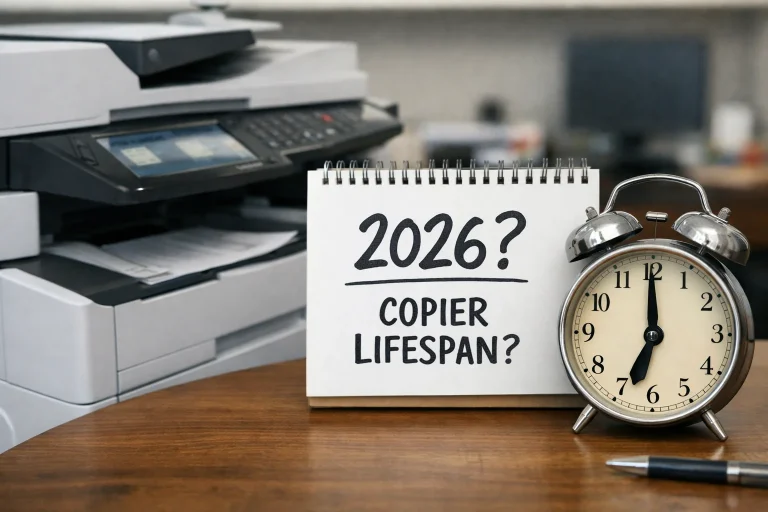
Whether you have an older analog machine or the latest high-speed digital MFP, our certified Copier Repair Atlanta technicians are here to help. We offer fast, onsite repair services and comprehensive maintenance checks to keep your machine running cleanly and efficiently. We also offer preventive maintenance plans that schedule these checks before small faults turn into downtime, which helps you get the full average copier lifespan out of your machine.
Should You Choose On-Site or Depot Copier Repair?
- On-site repair: same-day or within hours, done at your office, minimal downtime, low transport risk. Best for urgent repairs.
- Depot repair: 1–5 business days at a service center, longer downtime, and transport risk. Best for non-urgent repairs.
Repair cost depends on your copier’s brand and model, the type of repair, replacement parts, and whether you need emergency or after-hours service. On-site service may cost more upfront, but it often saves money by cutting costly downtime.
Routine Care Keeps Analog and Digital Copiers Earning Their Place
Older analog units and newer networked MFPs fail in different ways, yet both reward owners who act before a minor fault spreads. A quick look at error logs, print samples, and feed rollers tells you more than waiting for the next jam. Booking regular service turns surprise repairs into planned visits that fit around your workday. That approach protects both the machine and the deadlines that depend on it.
Need Immediate Copier Repair Service?
When your copier or printer breaks down, you need fast, local, and reliable service. Copier Repair Atlanta is your dedicated repair specialist, backed by the nationwide expertise of Clear Choice Technical Services.
We focus on getting your machine fixed quickly and correctly, the first time.
Request Onsite Repair, a Fast Quote, or a FREE Demo Trial:
For immediate onsite repair, a fast quote, or to ask about a FREE Demo Trial, please contact our dedicated service line:
- Copier Repair Atlanta Direct Line: (404) 369-0911
- Website: copierrepairatlanta.net
- Request a fast copier repair quote
We offer same-day response when available and certified technicians with multi-brand expertise across Canon, Ricoh, Xerox, Brother, and Toshiba.
See what customers say on our BBB reviews and Google reviews.
While our primary focus is repair, if you are looking to replace your current machine or explore leasing/buying options, please visit our parent company’s site.
- Need a Rental Quote? Request a Rental Quote right now to get started!
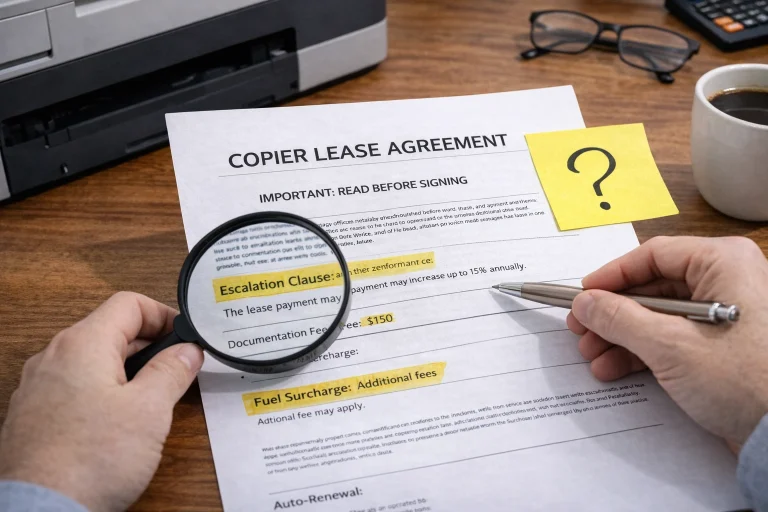
- Need a Lease Quote? Request a Lease Quote for contract requirements for more than 1 year.
- Need to Speak to Us? Call us directly at (404) 369-0911
- Learn More: Discover the nationwide excellence of Clear Choice Technical Services.