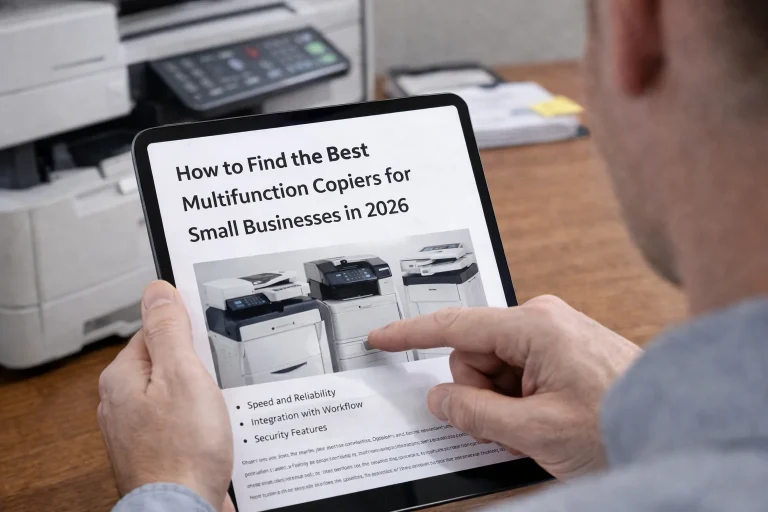
Leasing is the smarter choice for most offices. A leased copier stays current on security, gets priority repair service, and costs a fixed amount each month, while a purchased machine usually turns into a costly, outdated liability by year four.
TL;DR
Owning a copier looks cheaper until service costs climb, parts get scarce, and firmware updates stop. Leasing spreads the expense into steady payments and puts advanced Xerox features, finishing tools, and security protections within reach of small businesses. Short projects and trial runs are better served by a rental. In every case, the right machine should match your real print volume, not a guess about future growth.
Key Takeaways
- Expect repair bills, toner waste, and missed software patches to pile up once an owned machine passes its third or fourth year.
- Contract customers move to the front of the repair queue, while owners without a plan wait for open time slots.
- Monthly lease terms let a small office add booklet finishing or workflow apps it could never justify buying outright.
- Keeping cash out of a depreciating asset frees it for investments that grow the business.
- Pick a rental over a lease when the need lasts only months, such as a project war room or a 90-day pilot.
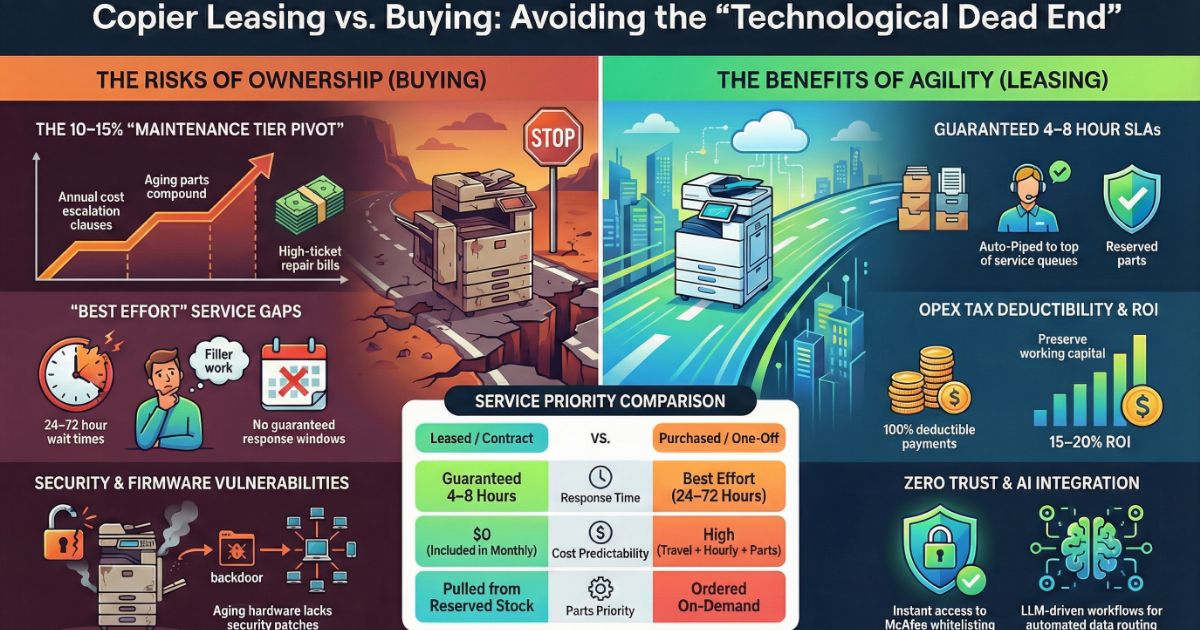
For many businesses, a copier is seen as a simple utility, until the “honeymoon period” ends abruptly around the 36-to-48-month mark. While buying might seem like a way to build equity, it often leads to a technological dead end where you own a “$10,000 paperweight” that cannot integrate with your modern network.
Why Does Copier Ownership Get Expensive?
The true cost of ownership is found in the “Maintenance Tier Pivot,” where aging components and compounding service costs begin to drain your budget.
The Hidden Headaches of Aging Hardware
- The “Parts & Labor” Trap: By year four, annual escalation clauses (10 – 15%) compound your costs. “All-inclusive” agreements often start excluding high-ticket items like fuser units ($1,200) once the machine hits a certain click count.
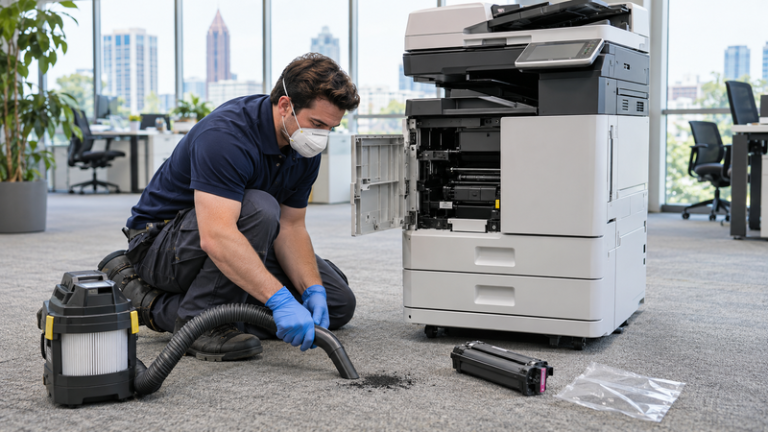
- Yield Decay: As internal seals wear, machines use more toner to maintain density; drums promised for 150,000 copies often start “scoping” (showing lines) at just 100,000.
- The Firmware Wall: Around year four, manufacturers may stop releasing security updates. If your IT department pushes a mandatory patch (like moving to SMBv3), your “Scan to Folder” may stop working entirely with no available patch.
- Parts Scarcity: If you own a discontinued model, downtime can stretch from 4 hours to 4 days because technicians must “cannibalize” parts from other machines to fix yours.
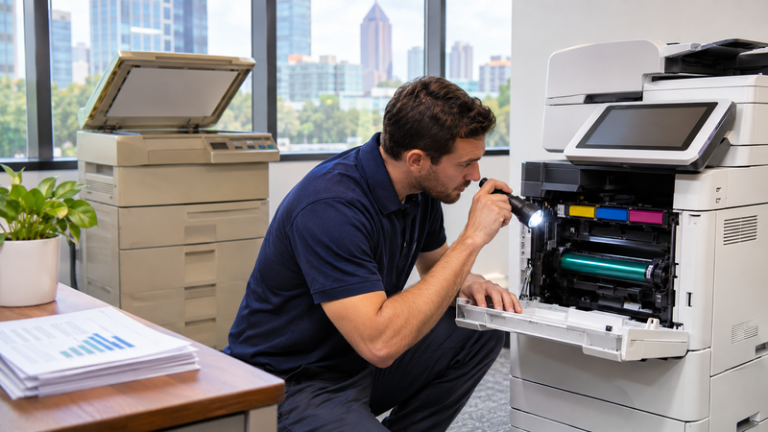
Where a repair happens matters too. On-site repair is usually same-day or within hours at your office, while depot repair takes 1–5 business days at a service center and adds transport risk.
How Do Repair Response Times Differ for Leased vs. Owned Copiers?
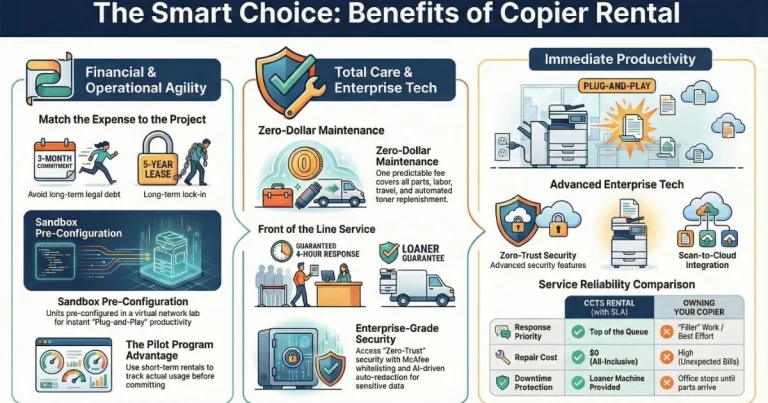
There is a massive difference in how repair calls are handled. Lease/Contract customers are “Auto-Piped” to the top of the queue with tickets flagged in red, while owners are treated as “filler” work.
| Feature | Lease / All-Inclusive Contract | Purchased / One-Off (T&M) |
|---|---|---|
| Response Time | Priority, same-day or within hours | “When Available” (24 – 72 Hours) |
| Cost Predictability | $0 (Included in monthly) | High (Travel + Hourly + Parts Markup) |
| Parts Priority | Pulled from local “Reserved” stock | Ordered on-demand |
Unlocking “Unbuyable” Technology Through Leasing
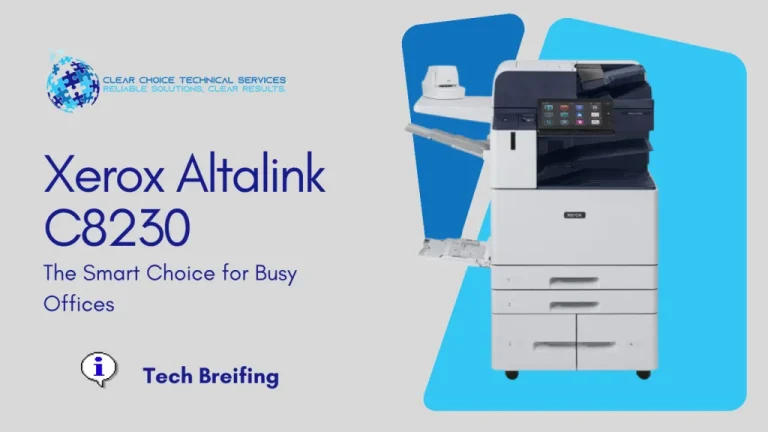
In the Xerox ecosystem, specifically the AltaLink series, certain features are “gatekeepers” that small businesses can rarely afford to buy outright. Our certified technicians also work on Canon, Ricoh, Brother, and Toshiba machines, so a mixed fleet can stay with one service partner.
Enterprise Workflows for a “Pizza Budget”
- The App Ecosystem: Tools like Xerox Audio Documents, Auto-Redaction, or Easy Translator usually require $10,000+ in servers and software licenses. On a lease, these are “SaaS” add-ons costing the equivalent of a few pizzas a month.
- High-End Finishing: A professional saddle-stitch booklet-maker costs $3,000 – $5,000. On a lease, it adds roughly $80/month, allowing a boutique law firm to produce professional bound filings in-house.
How Does an Old Copier Create a Security Risk?
An old copier is the biggest unpatched vulnerability in a building. Since CCTS handles Managed IT, we ensure your hardware doesn’t “dumb down” your network security.
- Zero Trust Integration: Modern leased units support McAfee Whitelisting and Cisco ISE. This ensures that if a hacker tries to run malicious code, the machine shuts it down because it isn’t on the “approved” list.
- Data Sanitization: When an owned copier is retired, its drive often contains images of every tax return or contract scanned. CCTS leases include formal Hard Drive Decommissioning to Department of Defense (DoD) standards.
OpEx vs. CapEx: How Does Leasing Affect Cash Flow?
When talking to CFOs, we focus on cash flow velocity and the preservation of working capital. Leasing turns a “melting ice cube” asset into a predictable utility.
Preservation of Working Capital
- The ROI Argument: Instead of sinking $50,000 into a depreciating asset, leasing keeps that cash available for core business investments that yield 15 – 20% ROI.
- Tax Efficiency: FMV lease payments are often treated as 100% deductible operating expenses (OpEx), keeping the balance sheet cleaner for banks or investors.
- Budget Stability: Leasing turns a variable cost into a fixed cost, eliminating unbudgeted $3,500 emergency repair bills.
When a repair is needed, on-site service may cost more upfront, but it often saves money by cutting the downtime that stalls your staff.
Case Study: The “Ghost Waste” Revelation
One architectural firm partner insisted on buying, but a Fleet Utilization Audit changed his mind.
- The Lightbulb Moment: They were paying for toner “as they went”. Because their CAD drawings had 30% color coverage (5x the industry standard), he realized he’d been paying a 400% premium for “ownership pride”.
- The Productivity Hit: Their “owned” units caused 42 hours of downtime. At their $250/hour billable rate, ownership cost them $10,500 in lost productivity because they lacked a 4-hour SLA.
Future-Proofing and “Right-Sizing” Your Fleet
In 2026, Generative AI has made buying a 10-year asset a massive gamble. Modern units like the AltaLink C8200 use Large Language Models (LLMs) to comprehend scans, not just read them.
Why “Legacy Hardware” Is a Risk
- Contextual AI: In 10 years, an “owned” machine will still output dumb PDFs, while leased machines automatically extract line items and route data to ERP systems.
- Predictive Maintenance: Modern units use IoT sensors to predict failures 48 hours before they happen. An “old” machine guarantees a decade of reactive downtime.
For machines you plan to keep a while longer, Clear Choice offers preventive maintenance plans to keep them in service between upgrades.
The Trap of Over-Buying
Businesses often buy a “tank” to do the job of a “sedan”.
- MVBF (Mean Volume Between Failure): When you lease, we match the machine to your actual volume. If your business doubles in size, you don’t have to sell an owned machine for pennies; you simply restructure the lease to a larger unit.
When Should You Rent a Copier Instead of Leasing?
I often look a client in the eye and say, “Do not sign a lease, you need a rental”.
- Litigation/Project War Rooms: For 8-month projects where you don’t want 56 months of remaining payments.
- Proof of Concept: A 90-day “pilot program” for medical offices to test if staff will actually use new digital workflows before committing $24,000.
What Happens After Your Leased Copier Arrives?
Most dealers “Drop and Run,” but CCTS performs Standardized Security & Workflow Validation (SSWV).
Beyond the Box: Integration and Training
- Sandbox Pre-Configuration: We build a “virtual twin” of your network in our lab to pre-configure LDAP and scan destinations so the machine works the second it hits your floor.
- Role-Based Training: We don’t just show you buttons; we show your HR person how to use “Auto-Redaction” and your Accounting lead how to scan directly into QuickBooks.
- 90-Day Transparency Audit: We review your actual usage versus projected volume. If you are under-utilizing a machine, we discuss downsizing your plan immediately to “right-size” your spend.
Choosing Agility Over Ownership
In the modern office landscape, a copier is no longer just a mechanical asset like a desk or a truck; it is a networked computer with a motor. Clinging to an “owned” machine for a decade is a recipe for a “technological dead end” that leaves your business vulnerable to security exploits and incompatible with AI-driven workflows.
At Clear Choice Technical Services, our “Clear Results” philosophy is built on the belief that you shouldn’t buy the capacity you hope to have in five years; you should lease the efficiency and security you need today. Whether it is through a high-performance Xerox AltaLink lease, a strategic short-term rental for a “war room” project, or our rigorous SSWV integration process, our goal is to eliminate friction. By shifting from a “purchase-and-forget” mindset to a managed utility model, you ensure your business remains agile, your data remains secure, and your capital remains exactly where it belongs, invested in your growth.
Should Your Office Lease or Buy Its Next Copier?
Buying can still work for an office with light, steady volume and no plans to change how it handles documents. For most others, a lease keeps the hardware sized to the work, keeps the network protected, and turns surprise repair bills into a cost you can plan around. The best first step is an honest look at how many pages you print and which features your staff would actually use.
Call Clear Choice Technical Services at (404) 445-0944 or visit copierrepairatlanta.net to request a fast quote or ask about a FREE Demo Trial.
See what our customers say in our BBB reviews.