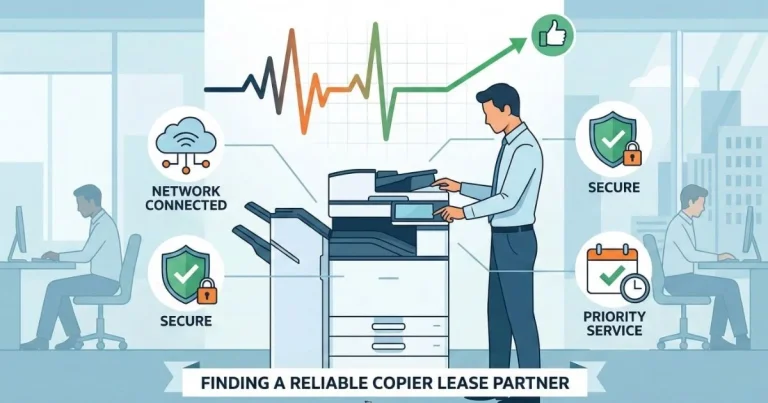
The right small office copier rental matches the number of pages your team actually prints, runs only as long as you need it, and folds toner, parts, labor, and travel into one fee. Check overage charges, trip fees, and the promised repair response before signing, because a low sticker price often hides those costs.
TL;DR
A 5-year lease that looks cheap each month can turn into a $9,000 obligation a short project never needed. Desktop units handle up to roughly 1,000 pages, while floor-standing machines start paying for themselves past 2,000. A written service agreement with a loaner option keeps work moving during repairs. Testing a machine for 90 days often reveals that a smaller, cheaper model is enough.
Key Takeaways
- Judge a contract by its full value: $150 for 60 months adds up to far more than $500 for 3 months.
- Ask how many toner cartridges are included, what each page over the click allowance costs, and whether technician visits carry a fee.
- Floor-standing copiers cost more per month but print each page for less, which suits offices with heavy output.
- Service level agreements guarantee response times and move rental customers ahead of one-off repair calls.
- Size the machine to measured usage and reliability ratings, then swap up only when demand grows.
For a small office, every square foot of space and every dollar of capital counts. Yet, many businesses find themselves “over-gunned” with massive, expensive machines or “under-equipped” with printers that fail under professional workloads. The “right” copier machine rental isn’t just about speed; it is about flexibility, security, and total cost.
Short-Term vs. Long-Term Strategy: The “Monthly Payment” Trap
Small offices often prioritize a low monthly rate over the total contract debt. While a 5-year lease seems attractive, it can become a financial anchor if your needs change.
The Illusion of Low Monthly Prices
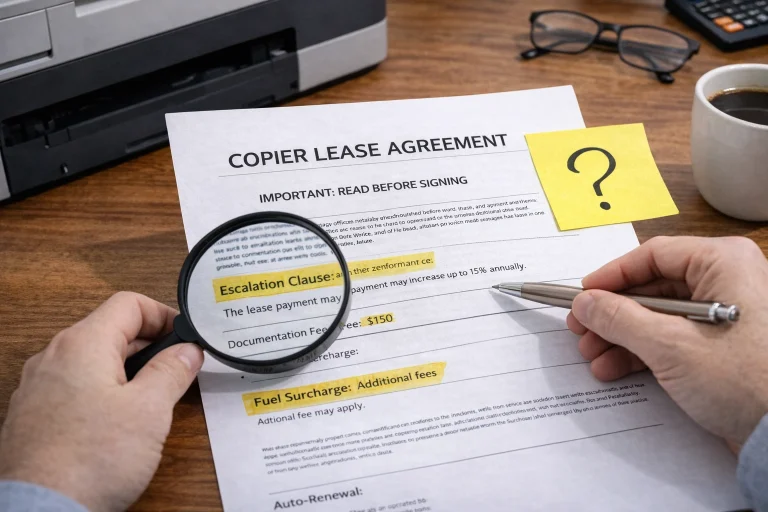
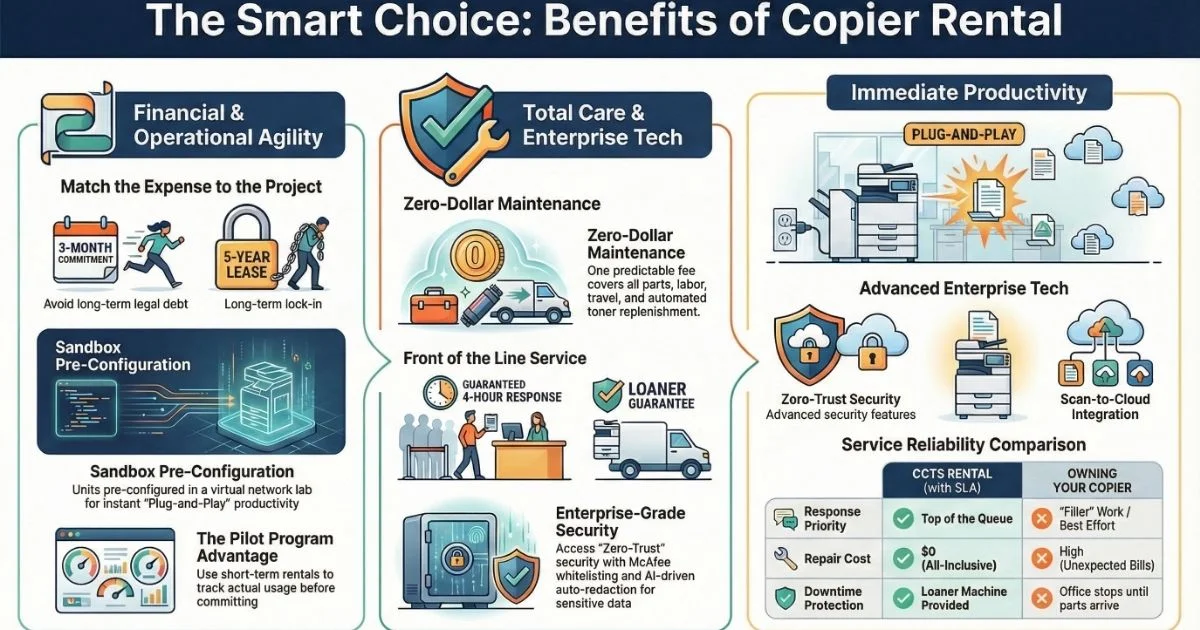
A 5-year lease at $150/month sounds better than a 3-month copier rental at $500/month. However, the lease is a $9,000 legal debt, whereas the rental is only a $1,500 commitment. If your project ends early, you are still stuck paying for a machine you don’t use.
Matching Expenses to Revenue
For specific projects like “Litigation War Rooms,” it is best to match the life of the expense to the life of the project. Taking on a 60-month liability for a 4-month revenue stream turns a tool into an overhead drain.
Affordability vs. Value: Hunting for Hidden Costs
When searching for affordable copier rental services, looking only at the sticker price is a mistake. Providers often strip out essential services to make the base rate look lower.
The Toner and Overage Sting
- Toner “Starter Kits”: Some plans limit you to one or two cartridges a year, forcing you to pay $100+ out of pocket when they run out.
- Overage Fees: If you exceed your monthly “click allowance,” some companies charge 3 to 5 times the standard rate per page.
Avoiding Service Call Add-ons
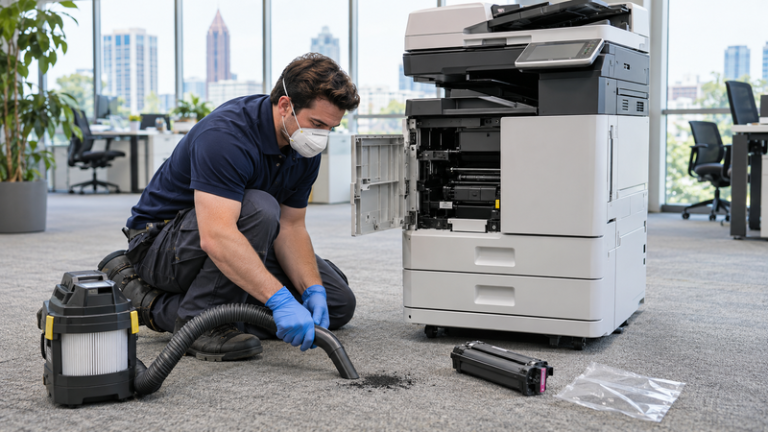
Ensure your contract includes parts, labor, and travel. Some “budget” plans charge a $150 “trip fee” every time a tech visits. A truly affordable copier on rental should have a repair cost of $0.
Outside a covered plan, repair costs depend on the copier brand and model, the type of repair, replacement parts, and whether you need emergency or after-hours service.
Local Expertise: Nationwide Reach with a Local Feel
Business owners often worry that a nationwide company can’t provide fast, local service. CCTS solves this by combining massive resources with local execution.
The “Local First” Technician Network
We maintain over 3,500+ locally-based technicians so help is always around the corner. Same-day response is available, and certified technicians come to your office instead of shipping your copier to a service center.
Standardized Service Quality
Every technician follows our “Clear Results” protocol, ensuring consistent setup and security checks across the country. You get “big company” reliability with “small town” attention to detail.
Our multi-brand expertise covers Canon, Ricoh, Xerox, Brother, and Toshiba machines.
Understanding Costs: High-Volume vs. Desktop Units
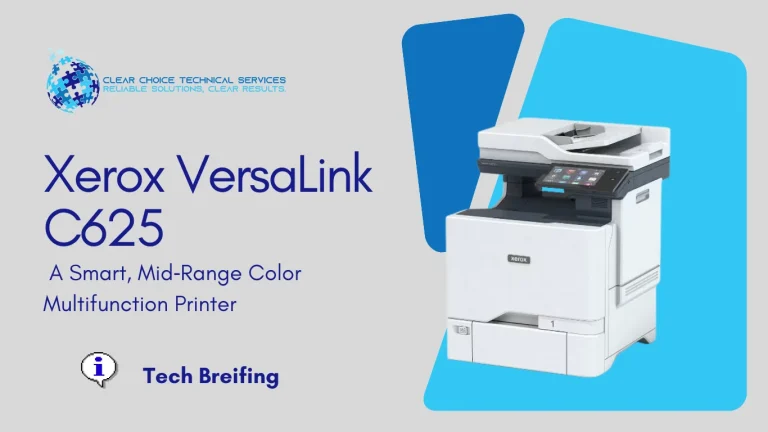
The price gap between a desktop unit and a high-volume powerhouse like the Xerox AltaLink depends on your workload.
Desktop Unit Costs and Limits
Standard desktop multifunction printers typically range from $75 to $125 per month. While fine for 500–1,000 pages, pushing them further leads to overheating and constant paper jams.
[H3] High-Volume Rental Value
Floor-standing units range from $250 to $500+ per month but offer a much lower “cost per page”. If you print over 2,000 pages monthly, the toner savings often pay for the higher rental price.
| Feature | Standard Desktop MFP | High-Volume (Xerox AltaLink) |
|---|---|---|
| Monthly Price | $75 – $125 | $250 – $500+ |
| Ideal Monthly Volume | 500 – 1,000 Pages | 5,000 – 20,000+ Pages |
| Print Speed | Slower Engine | 50+ Pages Per Minute |
| Cost Per Page (CPP) | Higher (Expensive small tanks) | Very Low (High-yield toner) |
Multifunction Costs: The Power of the Single Fee
The biggest headache for a small business is receiving multiple bills for rental, repairs, and toner. We use a “utility” model to keep your budget predictable.
The “Zero-Dollar” Maintenance Rule
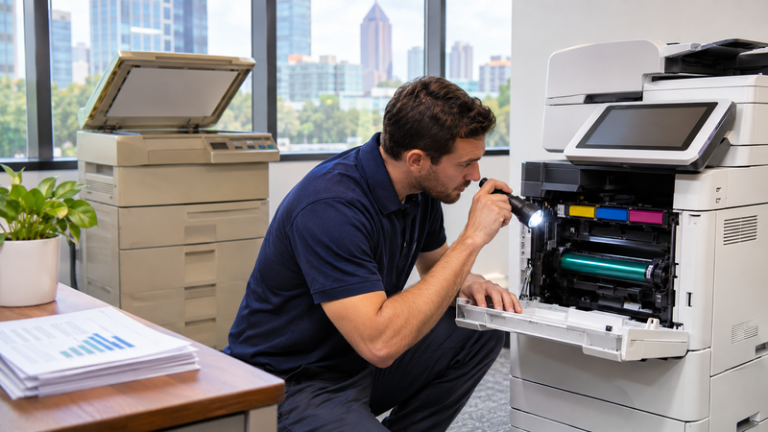
Our “Total Service” plans build the repair costs directly into the monthly fee. If a sensor fails, we fix it at no additional cost, so you never need manager approval for a repair bill.
Covered fixes include the problems small offices run into most:
- Paper jams and error codes
- Printing and scanning problems
- Network and connectivity issues
- Roller, fuser, and other hardware repairs
- Software configuration issues
Automated Toner Replenishment
Our smart copier machine rental units alert us when toner hits 20%. We ship the replacement to your door automatically, included in your fee.
The Small Business Edge: Enterprise Tech on a Budget
Small offices can now access “Fortune 500” technology for a fraction of the cost through our copier rental services.
Auto-Redaction and Cloud Integration
- Auto-Redaction: AI-driven apps on Xerox AltaLink machines can automatically black out sensitive data like Social Security numbers in seconds.
- Scan-to-Cloud: Units integrate directly with Google Drive, Dropbox, and OneDrive, allowing your team to access files from anywhere.
Zero-Trust Security
We provide machines with built-in McAfee whitelisting and data encryption. This ensures your copier on rental doesn’t become a “back door” for hackers to enter your network.
Case Study: The 90-Day “Proof of Concept” Success
What you think you need and what you actually use are often different. A short-term rental acts as a 90-day “pilot program” to avoid expensive mistakes.
The “Go Big” Law Firm Mistake
A boutique law firm was ready to sign a $400/month lease for a massive color production machine to print brochures. We suggested a 90-day copier rental first to track their actual habits.
The Pivot to Savings
The data showed they only printed color 5% of the time and rarely used the expensive “finishing” features. We swapped the “tank” for a compact black-and-white unit, saving them $12,000 over five years.
Ending Technical Friction: Sandbox Pre-Configuration
Most dealers “Drop and Run,” leaving you with a machine that won’t scan to your email. CCTS uses “Sandbox Pre-Configuration” to ensure it works instantly.
What is a Sandbox Setup?
Our IT team builds a “virtual version” of your network in our warehouse before the machine leaves. We pre-program email addresses and security codes in our lab.
Plug-and-Play Productivity
Because we catch “handshake” errors in the sandbox, the machine “knows” your network the moment we plug it in. Your staff gets back to work immediately without waiting for a tech to “figure it out”.
Maintenance Reality: SLAs vs. One-Off Repairs
Ownership means calling a repair shop and hoping they have an opening. Rental with a Service Level Agreement (SLA) is the only way to guarantee uptime.
Moving to the Front of the Line
An SLA is a legal promise that guarantees a response time, usually 4 hours or the next business day. While owners wait days for a technician, rental customers are fixed first.
Where the repair happens matters too:
- On-site repair: same-day or within hours, at your office, with minimal downtime and low transport risk
- Depot repair: 1–5 business days at a service center, with longer downtime and transport risk
The Loaner Guarantee
If we cannot fix your copier machine rental quickly, our SLA often includes a “loaner” machine. We drop off a replacement so your office doesn’t stop while we handle heavy repairs.
| Service Factor | CCTS Rental (with SLA) | Owning Your Copier (One-Off Repair) |
|---|---|---|
| Response Priority | Top of the Queue (Red Flag) | “Filler” Work / Best Effort |
| Repair Cost | $0 (Parts, Labor, Travel included) | High (Unexpected $500 – $1,000 bills) |
| Downtime Protection | Loaner machine provided | Your office stops until parts arrive |
| Monitoring | Proactive “Health Checks” | Reactive (Call when it breaks) |
Preventive maintenance plans are also available to catch worn parts before they cause downtime.
Right-Sizing Advice: Choosing the “Sedan” over the “Tank”
Bigger is not always better. We use “Mean Volume Between Failure” (MVBF) data to find the perfect fit for your workload.
Understanding MVBF Reliability
Think of MVBF as a reliability rating. A massive “tank” might handle 50,000 pages, but if you only print 2,000, a high-quality “sedan” rated for 10,000 pages is a smarter, cheaper choice.
Flexibility to Grow
Rentals can grow with you. We start you with the machine that fits your current data, but we can easily swap your “sedan” for a “tank” the moment your workload actually requires it.
Picking a Copier Rental That Fits How Your Small Office Works
Choosing a copier for a small office comes down to three questions: how much you really print, how long you’ll need the machine, and what happens when it breaks. A rental that answers all three in writing protects both your budget and your team’s time. Start with the unit your current printing calls for, and leave room to trade up later instead of paying for capacity that sits idle.
Ready to find the right fit? Call Clear Choice Technical Services at (404) 445-0944 or visit copierrepairatlanta.net to request a fast quote or ask about a FREE Demo Trial.