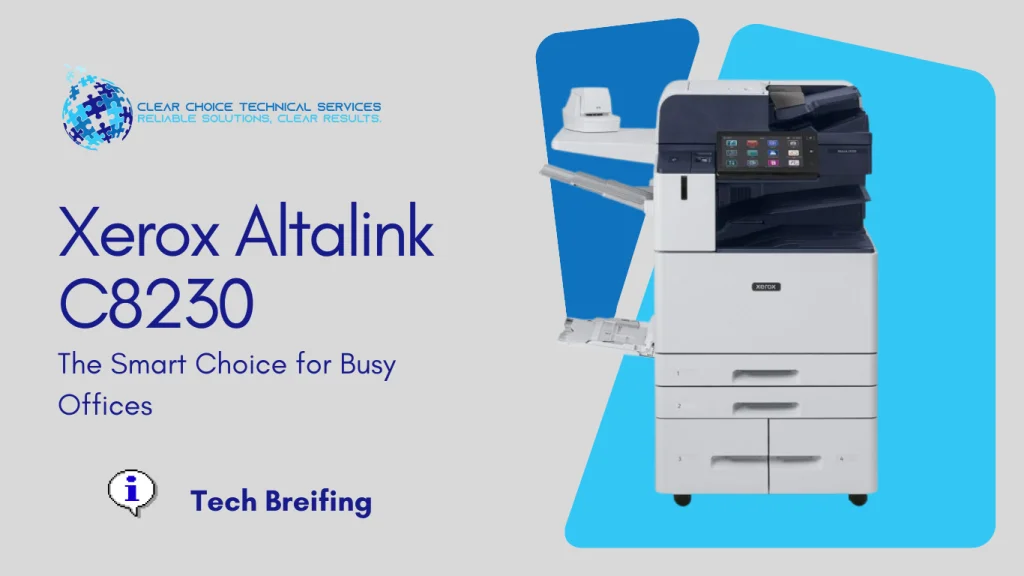
Yes, the Xerox AltaLink C8230 is a strong choice for medium to large offices that print up to 12,000 pages a month in color and want scanning, copying, and finishing in one machine. Smaller teams with light volumes or black-and-white-only needs will likely find it more than they need.
TL;DR
This A3 color multifunction printer runs at 30 ppm, handles a 90,000-page monthly duty cycle, and starts at around $11,200 before add-ons. Its ConnectKey touchscreen brings AI apps for redaction, summaries, and note conversion, while a four-point security model guards against cyberattacks. Expandable trays and finishers for stapling, booklets, and folds let teams produce polished documents without outsourcing. Expect a 316-lb footprint and a higher price as accessories are added.
Key Takeaways
- Color and mono output both reach 30 pages per minute, with a recommended load of 12,000 pages monthly.
- Adaptive learning suggests 1-Touch shortcuts and reorders the home screen around the functions your staff uses most.
- McAfee/Trellix and Cisco back the device’s whitelisting, identity services, and firmware verification.
- A high-capacity tandem tray holds up to 3,140 sheets, and optional kits add fax, envelope, and long-sheet feeding.
- On-site repair keeps a high-volume machine like this working, compared with waiting 1–5 business days for depot service.
Choosing the right printer for your office can make a significant difference in productivity and efficiency. As a multi-brand copier service team that works on Xerox, Canon, Ricoh, Brother, and Toshiba equipment, we’ve seen firsthand how the Xerox AltaLink C8230 serves as a reliable all-in-one solution for medium to large offices.
This review covers specs, features, accessories, pros, cons, and costs to help you determine whether this high-volume color multifunction printer (MFP) is the right fit for your workplace.
What Are the Xerox AltaLink C8230 Key Specifications?
The AltaLink C8230 is part of Xerox’s premium C8200 series, designed for businesses that require high-volume color printing with advanced multifunction capabilities. Here’s what you need to know:
- Print Speed: Up to 30 pages per minute (ppm) in both color and black-and-white
- Monthly Duty Cycle: Up to 90,000 pages
- Recommended Monthly Volume: Up to 12,000 pages
- Print Resolution: 1200 x 2400 dpi
- Copy Resolution: 600 x 600 dpi
- First-Print-Out-Time: 5.7 seconds (color), 4.2 seconds (B&W)
- First-Copy-Out-Time: 6.0 seconds (color), 4.2 seconds (B&W)
- Base Model Weight: 316 lbs
- Starting Cost: Around $11,200
These specifications make the C8230 a powerful workhorse for departments with demanding print and scan needs. Its A3 printing capability and expandable paper trays allow for in-house printing of large-format documents, marketing materials, and professional reports.
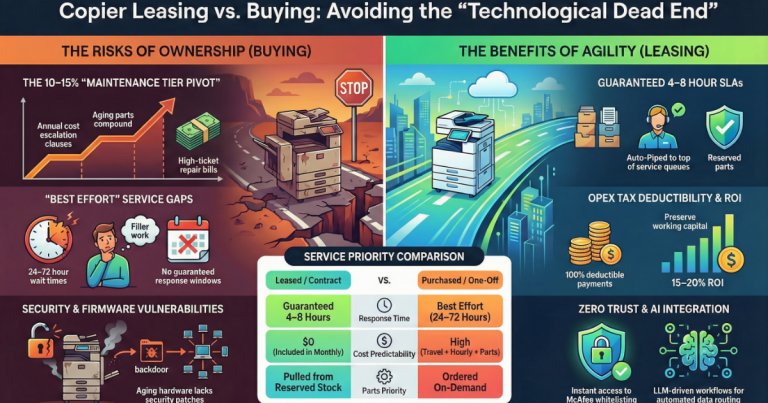
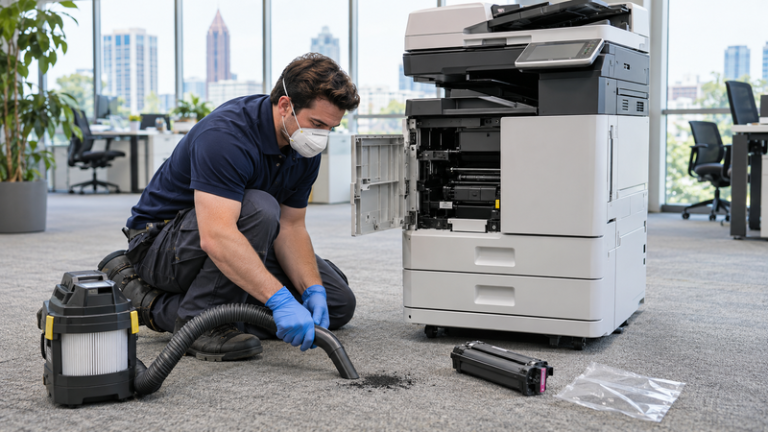
A machine handling this kind of volume needs fast help when something breaks. Our certified technicians offer same-day on-site copier repair, so a down C8230 can be fixed at your office instead of sitting at a service center for 1–5 business days.
How Do ConnectKey Technology and the App Gallery Work?
The AltaLink C8230 comes with Xerox ConnectKey Technology, which transforms the printer into a smart workflow hub. A 10.1-inch tablet-like touchscreen allows users to access multiple productivity apps directly from the device, including:
- Xerox Auto-Redaction App: Automatically redacts or highlights sensitive information.
- Xerox Summarizer App: Generates concise summaries of long documents.
- Xerox Note Converter App: Converts handwritten notes into editable Microsoft Word files.
These apps include free initial credits and can be expanded with additional packages. Beyond these AI tools, the App Gallery offers industry-specific apps to streamline scanning, printing, and workflow automation, perfect for finance, healthcare, education, and legal offices.
How Does the C8230 Cut Down Repetitive Tasks?
The AltaLink C8230 is designed to minimize repetitive tasks:
- Adaptive Learning & Automation: Learns frequently performed jobs and suggests 1-Touch shortcuts.
- Smart Reminders: Prompts users if shortcuts are underused.
- Personalized Interface: Reorganizes the home screen to prioritize the apps and functions you use most.
These features help reduce busy work, allowing staff to focus on more meaningful tasks.
What Security Features Does the AltaLink C8230 Offer?
Security is a major strength of the C8230, with a four-point approach to protect against cyberattacks:
- Network intrusion protection and data encryption
- Unauthorized access prevention
- Secure overwrite and storage security
- Document-level safeguards
Xerox partners with McAfee/Trellix and Cisco to provide advanced threat protection, including whitelisting and identity services. Firmware verification ensures the device maintains high security standards out of the box.
If the C8230 drops off your network or its software settings need adjusting, our technicians handle network, connectivity, and software configuration issues on-site.
What Configurations and Finishing Options Are Available?
The AltaLink C8230 offers flexible configurations to match your office needs:
- Single-Pass Duplex Automatic Document Feeder (DADF)
- Two 520-sheet Adjustable Trays
- High-Capacity Tandem Tray (up to 3,140 sheets)
- Four-Tray Module (up to 2,180 sheets)
- Optional Accessories: Fax kits, envelope tray, long-sheet feed kit, high-capacity feeder
Finishing options include stapling, hole-punching, booklet-making, and C-fold/Z-fold units — ideal for offices producing professional documents in-house.
When a tray, feeder, or finisher starts causing paper jams, or rollers and fusers wear down, those hardware repairs can be done right at your office.
What Are the Pros and Cons of the Xerox AltaLink C8230?
Pros:
- All-in-One Functionality: Combines printing, scanning, copying, and optional fax in one machine.
- Long-Term Investment: Built for high-volume use and long-term office deployment.
Cons:
- Large Size: Requires significant floor space (316 lbs; 24.4″ W × 28.5″ D × 44.5″ H).
- Electrical Requirements: Needs standard office outlets; may require upgrades for some workplaces.
How Much Does the Xerox AltaLink C8230 Cost?
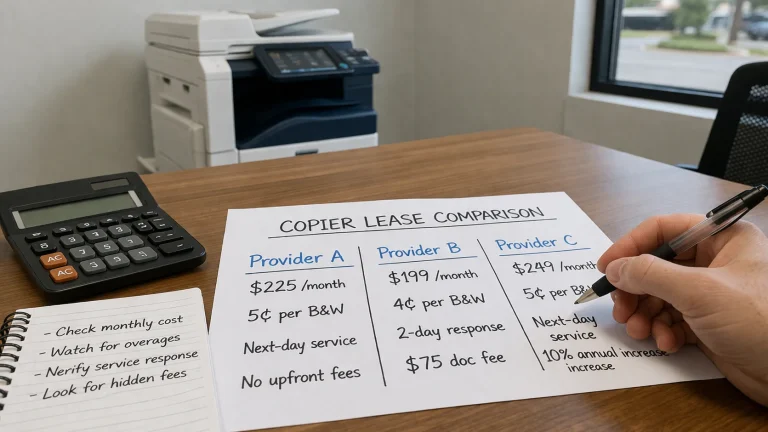
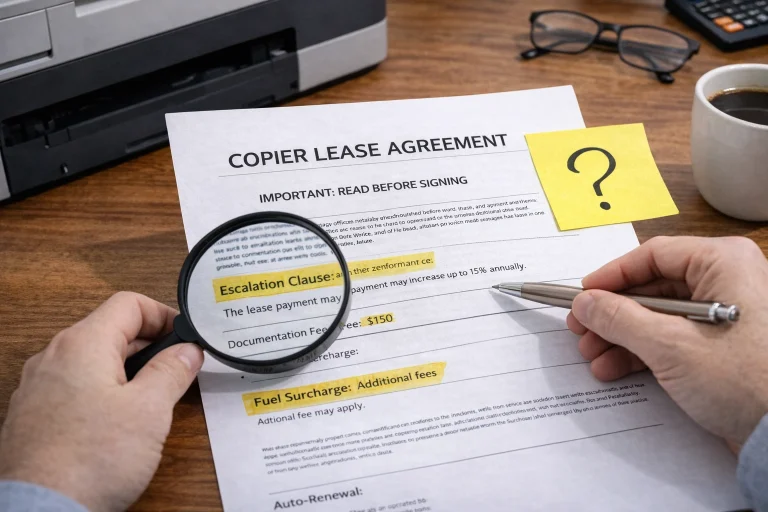
The base price starts around $11,200, excluding optional upgrades or accessories. Wireless connectivity requires an additional kit (~$139). Leasing and trade-in options are available for businesses seeking more flexible payment plans. Optional finishing and high-capacity trays will increase overall cost.
Service also shapes your total cost. Repair pricing depends on the brand and model, the type of repair, replacement parts, and whether you need emergency or after-hours help. On-site service may cost more upfront but often saves money by reducing downtime, and preventive maintenance plans help catch problems early.
Who Should Consider the Xerox AltaLink C8230?
Ideal For:
- Medium to large offices needing color multifunction capabilities
- Workplaces producing up to 12,000 pages per month
- Organizations seeking advanced AI apps and workflow automation
- Offices requiring finishing options for professional documents
Not Ideal For:
- Small businesses with low print volumes
- Individuals needing a personal desktop printer
- Offices that only require black-and-white printing
Productivity, Security, and Power in One Machine
The Xerox AltaLink C8230 is a versatile, secure, and high-performance color MFP for offices that demand more than a basic printer. With AI-powered apps, ConnectKey workflow automation, robust security, and flexible finishing options, it’s a long-term investment that can transform office productivity. For medium to large businesses ready to centralize and streamline their printing and document workflows, the C8230 is an excellent choice.
Keeping Your Xerox AltaLink C8230 Running With On-Site Service
Buying a machine at this level is only half the decision; keeping it productive through years of heavy use is the other half. Clear Choice Technical Services fixes paper jams, error codes, scanning faults, and worn parts right at your office, with same-day response available. Our certified technicians work across Canon, Ricoh, Xerox, Brother, and Toshiba equipment, so one team can support your entire fleet.
Call (404) 445-0944 or visit copierrepairatlanta.net to request a fast quote or ask about a FREE Demo Trial.
Read what customers say in our BBB reviews.